A POS app for retail shops, ready from the first day
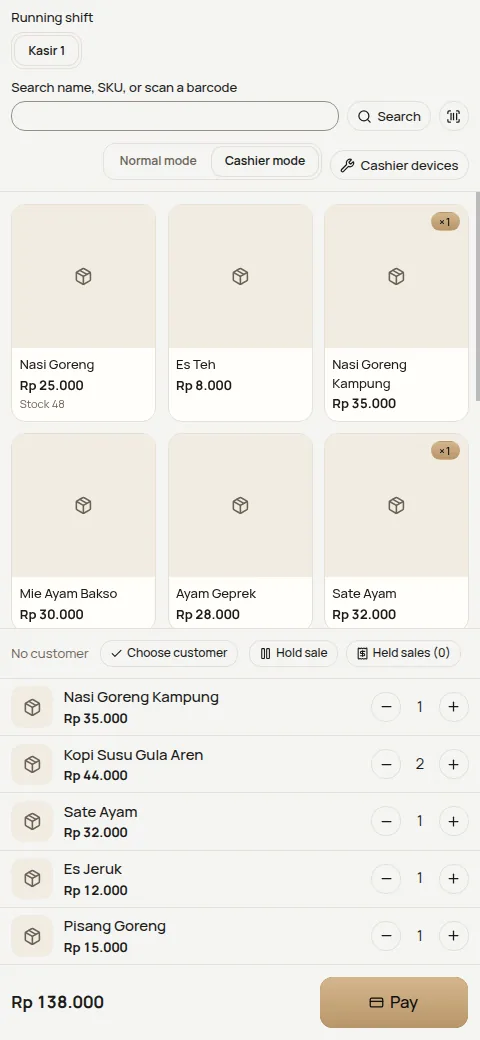
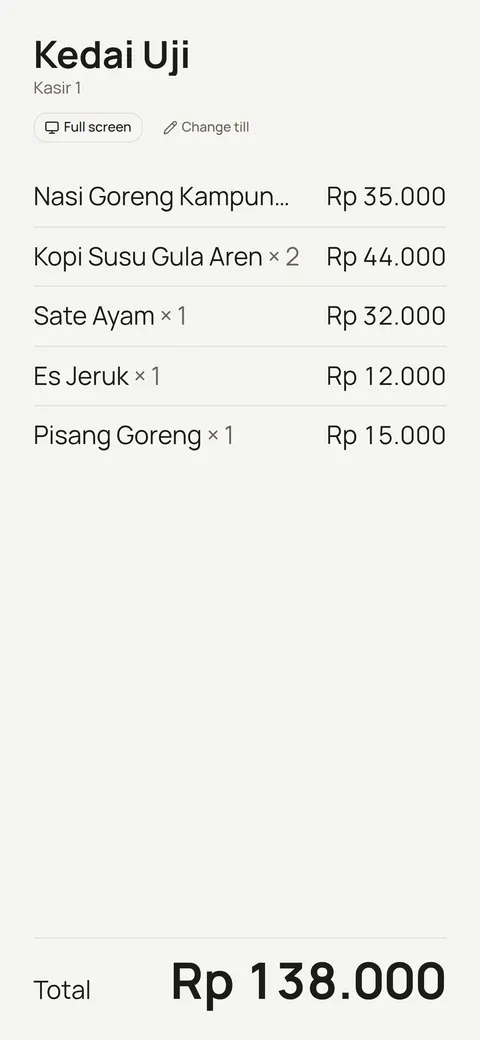
Lamxo is a point of sale for physical retail shops. Scan the barcode or SKU, weigh loose goods by the kg or litre, and take cash, your shop’s own QR, a bank card terminal or store credit. Every sale reduces that outlet’s stock, and receipt numbers run in order with no gaps per till.
Free for 30 transactions every 30 days
How it works
Add your outlet and items
One outlet is one physical shop with its own stock. Fill in the address and receipt settings, then add items one by one or import them from CSV.
Scan or weigh
A scan matches the barcode first, then the SKU, and items without a barcode can be found by name. The scale barcode format is set per outlet and tested with one sample label before saving.
Take payment your way
Cash, your shop’s own QR, a bank card terminal, or customer credit with a limit. The QR shown is your shop’s QR, so the money does not pass through us.
Reward regular customers
Member points, tiered wholesale prices and store credit from exchanges. Cashier attendance and commission are recorded too.
What comes with it
Scan barcodes and SKUs
A scan matches the barcode first, then the SKU. Items without a barcode can be found by name.
Items sold by weight
Sell by the kg or by the litre. You set the barcode format from your scale for each outlet, and test it with one sample label before saving.
Cash, QR, EDC, store credit
The QR shown is your own shop’s QR, so the money does not pass through us. Customer credit (kasbon) is recorded in full, with its limit.
Customers, points, wholesale
Member points, tiered wholesale prices, store credit from exchanges, plus cashier attendance and commission.
Frequently asked questions
Guides by type of shop
POS for cafés and restaurants
Open orders per table or takeaway, send them to the kitchen screen and printer, let guests order via a table QR, and split the bill per guest.
Stock management
Stock per outlet drops with every sale: supplier purchases, transfers, stock counts, damaged goods and expiry dates, plus net profit per period.
Offline POS
On Android and the web, Lamxo keeps selling when the internet drops and sends the data once you're back online. Receipt printers via Bluetooth, USB or network.
POS for multiple outlets
Run several shops from one account: each outlet has its own stock, prices and receipt numbers. Sales per outlet, best sellers and low stock on one dashboard.
Get your shop’s till in order today
Sign up free. Your first 30 till transactions every 30 days cost nothing.