How to Transfer Inventory Between Your Shops Without an Empty Shelf
Stock · 2026-11-07 · 5 min read
When moving stock between outlets makes sense, the steps to send and receive it so both counts stay right, how to fix a wrong shipment, and what to check weekly.
How to transfer inventory between your shops without an empty shelf
How to transfer inventory sounds simple when you own two minimarts or two cafe outlets: put the cartons in the van, drive over, done. The trouble starts with the count. If the stock number goes up at the second shop the moment the van leaves, the cashier there sees stock that is still stuck on the PIE. A customer asks, the cashier says got, then nobody can find it.
This guide is for small shop owners with two or more outlets. It covers when a transfer makes sense, the steps that keep both counts honest, how to handle a wrong shipment, and the checks to run every week.
When moving stock between outlets beats ordering more
A transfer is worth it when one outlet is sitting on slow stock and the other keeps running out of the same item. Moving it costs a trip; ordering more costs cash and leaves the slow outlet still full. Transfers also help before a busy weekend at one location, or when an item is close to its expiry date at the quieter shop and can still sell at the busier one.
It is not worth it for a single carton when the next supplier delivery is tomorrow. Count the trip in your time, not only the petrol.
Steps to transfer and receive stock between locations
Step 1 — At the sending shop, write down every item and quantity before it goes into the van, and keep a note of which outlet it is going to.
Step 2 — Take the stock off the sending shop's count at that moment. It has physically left, so it should not be sold from there any more.
Step 3 — Do not add it to the receiving shop yet. While it is on the road it belongs to neither shelf; mark the transfer as waiting.
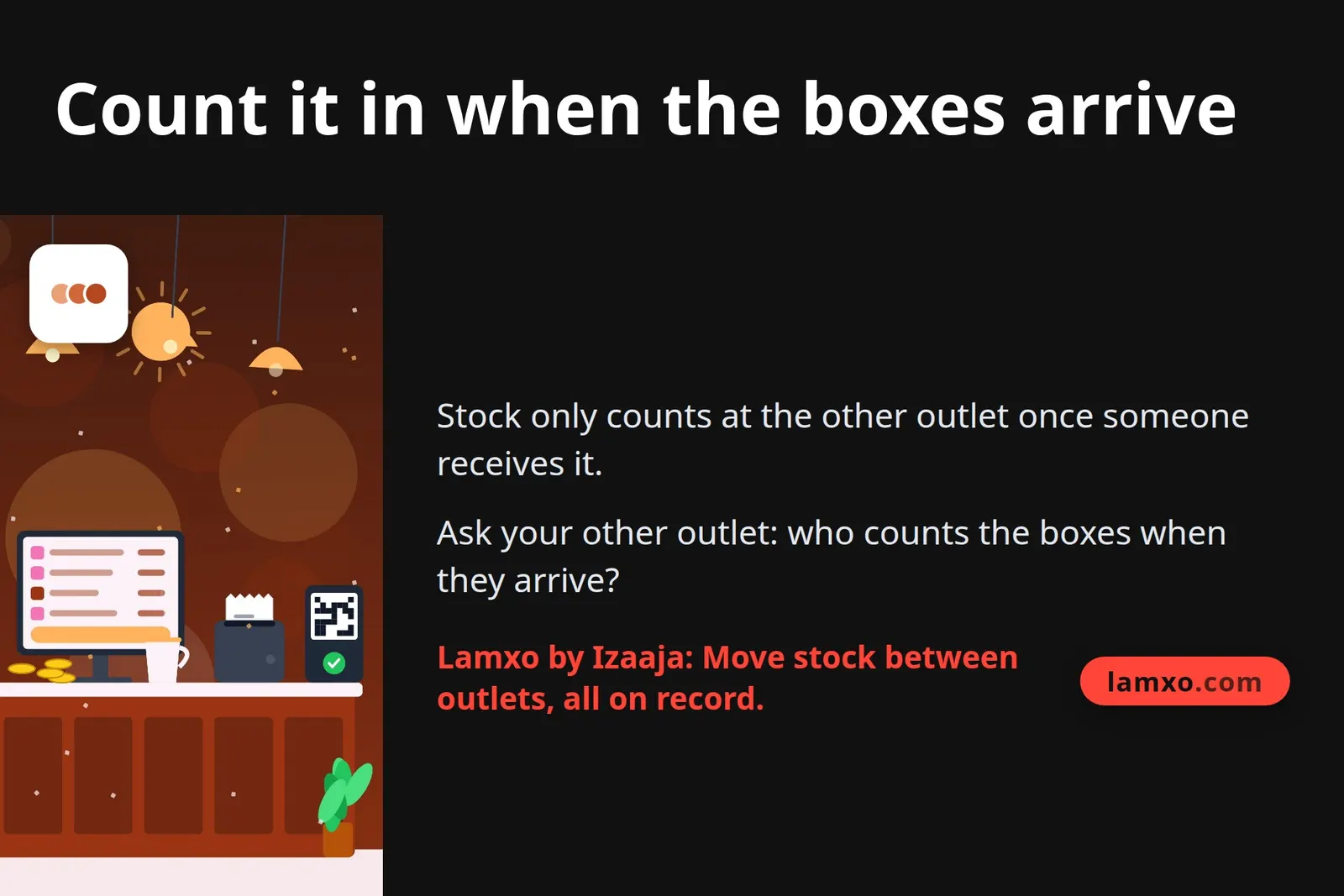
Step 4 — When the boxes arrive, someone at the receiving shop counts them against the list and only then adds them to that shop's stock.
Step 5 — If the count is short or an item is wrong, note it on the same transfer the same day, while everybody still remembers.
The key idea: stock goes down when it is sent, and only goes up when it is received. That one rule removes most "system says got, shelf empty" moments.
Sent the wrong goods? Cancel before receiving
Mistakes happen: wrong flavour, wrong pack size, wrong outlet. If the receiving shop has not counted the goods in yet, the cleanest fix is to cancel the shipment, so the goods go back into the sending shop's count. Once the receiving shop has counted them in, do not edit the old transfer. Send the goods back with a new transfer instead, so both shops' history still makes sense.
Inventory transfer report: what to check every week
A simple weekly check catches most problems. Look at every transfer that is still waiting to be received, however old it is. A transfer waiting for three days usually means someone forgot to count it in, or the boxes went somewhere else. Then look at what each outlet sent and received for the week. If one outlet keeps sending the same item to the other, that is a sign to change how much you order for each shop.
Keep a short note on each transfer, such as who drove the van or why it was sent. Three weeks later that note is the only thing that explains a gap.
Common mistakes with stock transfers
The first mistake is adding stock to the receiving shop as soon as it leaves. The second is moving stock by phone call or chat with no written list, so nobody can check the count later. The third is letting any staff member at either shop receive goods without counting. Pick one person per outlet who counts transfers in, and the numbers at both counters will match what is on the shelf.
The limits
General guide for small shops with two or more outlets.
Guides by type of shop: Stock management — Stock per outlet drops with every sale: supplier purchases, transfers, stock counts, damaged goods and expiry dates, plus net profit per period.
Try Lamxo free for 30 transactions every 30 days.